
This LSEG Workspace 1.23 installation guide covers password setup, download, Windows and macOS installation, system checks, and launching the application.
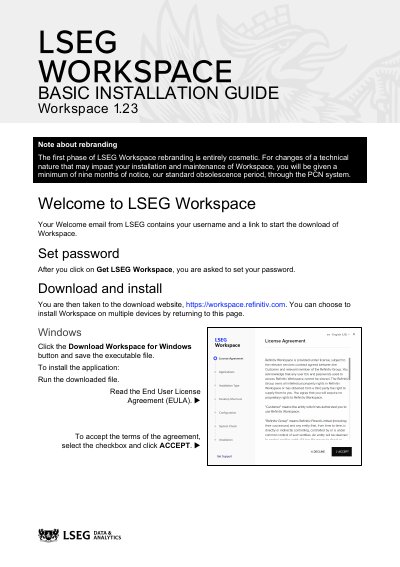
This guide explains how to install LSEG Workspace 1.23 on Windows and macOS. It covers setting a password, downloading the installer from the LSEG website, and selecting applications and installation type.
A system check verifies that the device meets minimum requirements before installation completes. After installation, Workspace can be launched immediately or from the Start menu on Windows and the Applications folder or Launchpad on macOS.
| Windows installer file type | Executable file |
|---|---|
| Supported Mac chipsets | Intel and Apple M1 |
Yes, but you can only be signed into one device at any one time.
Workspace will not be installed.
Open the Applications folder and double-click the Refinitiv Workspace icon, or launch it from Launchpad.