
The LP LP-500 / LP-700 User Guide explains the functions, connections, and operation of the Digital Station Monitor.
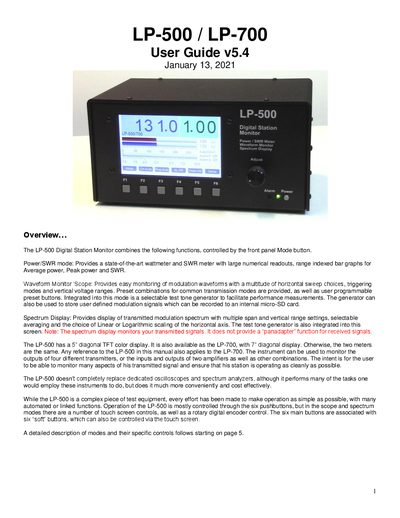
The LP‑500 and LP‑700 Digital Station Monitors provide Power/SWR, Waveform, and Spectrum displays for ham‑radio stations. They share the same internal hardware; the LP‑500 has a 5‑inch TFT screen while the LP‑700 uses a 7‑inch screen.
The guide covers basic power and signal connections, detailed operation of each mode, touch‑screen controls, and setup of alarms, ranges, and user‑defined presets. It also explains how to use the built‑in test‑tone generator and how to record custom tones on the internal micro‑SD card.
| Power supply voltage | 12‑16 VDC |
|---|---|
| Maximum supply current | 800 mA |
| Display size (LP‑500) | 5‑inch diagonal TFT |
| Display size (LP‑700) | 7‑inch diagonal TFT |
| Power measurement range | 5 W to 10 kW |
| Scope voltage range | 10 V/div to 350 V/div |
| Spectrum span options | 2 kHz, 5 kHz, 10 kHz |
| Number of monitor channels | 4 transmitter outputs / 2 amplifier inputs |
It needs a regulated 12‑16 VDC supply with a maximum current draw of 800 mA.
The LP‑500 uses a 5‑inch diagonal TFT color display.
The device can monitor up to four transmitter outputs or two amplifier inputs at the same time.
It measures power from 5 watts up to 10 kilowatts.