
The Looxcie LX2 2 user manual provides setup, charging, pairing, recording, editing, and sharing instructions for the wearable camera.
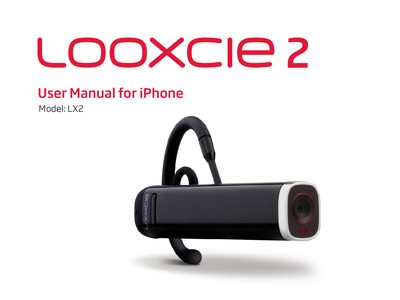
The Looxcie LX2 2 is a lightweight wearable camera designed to capture and share video clips on the go. It connects to an iPhone via Bluetooth and includes companion apps for recording, editing, and instant sharing.
This manual covers everything from unpacking the device and charging it, to pairing with an iPhone, using the LooxcieCam and LooxcieMoments apps, adjusting the fit, and using the device as a Bluetooth headset. It also includes specifications, firmware upgrade steps, and troubleshooting tips.
| Weight | 22 g (less than 1 oz.) |
|---|---|
| Battery capacity | 365 mAh lithium polymer |
| Video resolution (LooxcieCam) | VGA, 30 fps, 4000 kbps |
| Maximum record time (LooxcieCam) | Up to 4 hours |
| Bluetooth range | 33 feet |
| Field of view | 62 degrees |
Plug the USB cable into the Looxcie’s USB port and connect the other end to a computer or power adapter; charge for about 2 hours before first use (full charge takes 3‑4 hours).
Turn on the Looxcie power switch; when the green status light and red record light flash, the device is in pairing mode. Then select “Looxcie” in the iPhone Bluetooth list to pair.
Yes. After pairing with your iPhone, you can answer or end calls using the Call button on the Looxcie.