
Help guide for the LM 201-B BACnet Router covering configuration, network settings, firmware upgrade and hardware specs.
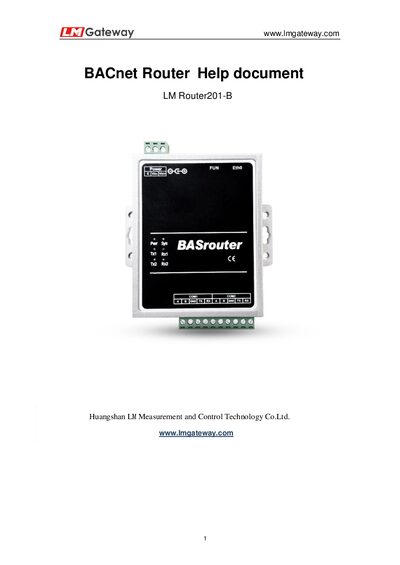
The LM 201-B BACnet Router enables transparent routing between BACnet MS/TP and BACnet IP networks. It supports two MSTP buses and can be configured via a web interface using the default IP address 192.168.1.23.
The guide provides step‑by‑step instructions for web login, network configuration, BACnet IP and MS/TP settings, saving changes, and performing firmware upgrades. Hardware specifications such as interfaces, power supply range, dimensions and environmental limits are also listed.
| Serial ports | 2 RS485 / RS232 interfaces |
|---|---|
| Network ports | 1 Ethernet interface |
| Power supply | AC / DC 9V ~ 36V |
| Weight | 170 g |
| Ingress protection | IP51 |
| Dimensions | 130 mm × 109 mm × 35 mm (L × W × H) |
| Power consumption | ≤ 3 W |
| Relative humidity range | -40 ~ 80 °F 20 ~ 90 % |
The default IP address is 192.168.1.23.
It can support two MSTP buses simultaneously.
Upload a compressed upgrade package directly; no decompression is needed.