
The Livolo VL‑C301 series manual provides specifications, installation steps, operation instructions, remote pairing and safety warnings for touch…
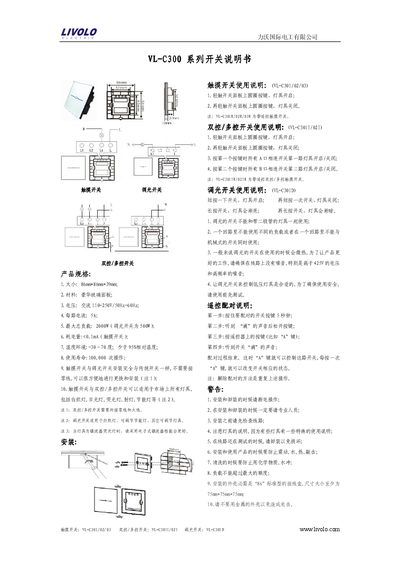
This manual covers the Livolo VL‑C301 series of touch switches, including the VL‑C301/02/03 touch switches, VL‑C301I/02I dual/multi‑control switches, and VL‑C301D dimmer switches. It lists product specifications such as size, material, voltage, current, load capacity, power consumption, operating temperature and service life.
The document explains how to install the switches, operate each type of switch, pair a remote control, and outlines important safety precautions to follow during installation and use. This manual is written in Chinese.
| Size | 86mm x 86mm x 39mm |
|---|---|
| Material | Luxury glass panel |
| Voltage | AC 110‑250V, 50‑60 Hz |
| Current per circuit | 5 A |
| Maximum total load | 2000 W (500 W for dimmer switch) |
| Power consumption (touch switch) | <0.1 mA |
| Operating temperature | -30 °C to 70 °C |
| Service life | 100,000 operations |
Lightly tap the circular button on the panel to turn the light on; tap again to turn it off.
Press and hold the switch button for 5 seconds until you hear a beep, release, then press the desired remote button; a beep confirms successful pairing.