
User guide for Lite-Tek FLARE BOX, covering safety, power, DMX control, and operation.
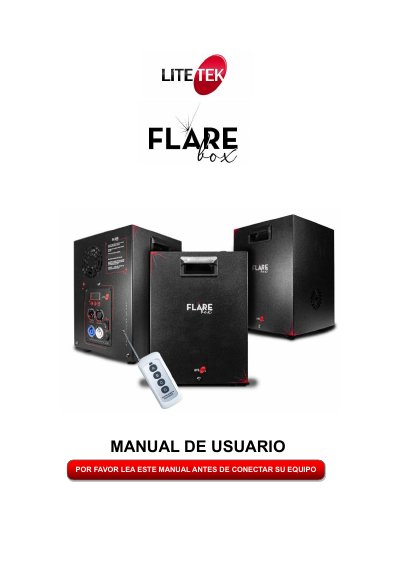
This manual provides instructions for safely operating the Lite-Tek FLARE BOX, a professional spark generator. It includes safety warnings, power setup, DMX control configuration, and operational steps. The device can be operated manually or via wireless remote control, with a maximum vertical spark distance of 6 meters. Users are advised to follow all safety precautions to avoid fire, electric shock, or equipment damage.
The manual also details maintenance procedures, such as checking consumables and fuses, and troubleshooting steps for performance issues. It emphasizes that the unit should not be opened or repaired by users, as this voids the warranty. This manual is written in Spanish.
| Voltage | 120V~ 50/60 HZ |
|---|---|
| Power Consumption | 400 W |
| Heating Time | 5 min |
| Vertical Spark Distance | 6 m |
| Dimensions | 200x200x242 mm |
| Packaging Dimensions | 265x265x400 mm |
| Weight | 8.5 kg |
Press one of the up or down buttons for 4 seconds to enter DMX configuration mode. Set the DMX channel values for functions like stopping heating or adjusting spark intensity.
Disconnect the power, check the consumable level, external fuse, and input voltage. If the issue persists after 30 seconds of remote control activation, stop pressing the button and contact an authorized distributor or Lite-Tek service.