
User manual for the Lindy 42321 KVM switch, allowing control of two Type C devices via a single keyboard, mouse, and dual HDMI monitors.
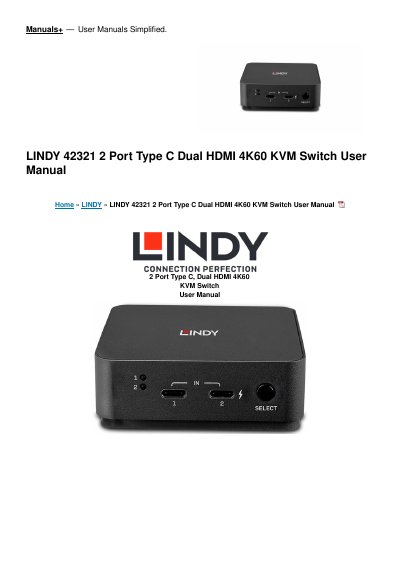
The Lindy 42321 2 Port Type C Dual HDMI 4K60 KVM Switch is a compact desktop solution designed to provide access and control over two Type C devices, such as laptops, tablets, or smartphones, using a single keyboard, mouse, and monitor setup.
It features two HDMI outputs with MST and SST support for extended desktop or mirror mode. One Type C Power Delivery input port can provide up to 100W to the device connected to Type C port 2.
| Console Interfaces | 2 x HDMI (Female), 2 x USB 2.0 Type A (Female) |
|---|---|
| Inputs | 2 x Type C 3.2 Gen 2 (Female) |
| Power Interface | Type C Power Delivery 3.0 up to 100w (optional) |
| HDMI Version | 2.0 |
| HDCP | 2.2 |
| Supported Bandwidth | 18Gbps |
| Power Consumption | 7.5W |
| Operating Temperature | 5°C – 40°C (41°F – 104°F) |
It supports up to 3840×2160@60Hz 4:4:4 8bit with one monitor, and up to 3840×2160@30Hz 4:4:4 8bit when both monitors are connected.
Selection can be made using the push button on the front panel or via auto switching if only one active source is connected.
A Limited Power Source (LPS) certified USB Type C PD Power Adapter over 65Watt is recommended.