
User guide for the LG LG-T500 mobile phone, covering SIM card installation, calls, contacts, messaging, camera, and settings.
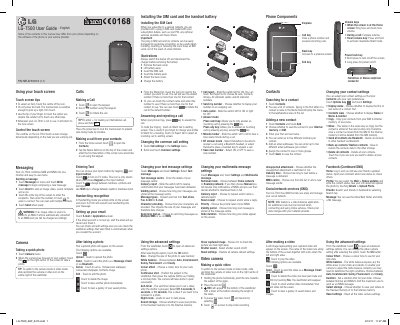
This document is a user guide for the LG LG-T500 mobile phone. It explains installing the SIM card and battery, phone components, calls, contacts, messaging, camera, video, email, and touch screen use.
It also covers settings for calls, contacts, text and multimedia messages, social network services, and advanced camera options.
Switch the device off and disconnect the charger, remove the back cover, lift the battery away, insert the SIM card, insert the battery pack, attach the back cover, and charge the battery.
Press the key to answer the call; touch the Silent tab to mute ringing or the Reject tab to reject the call.
Touch Camera, focus on the subject, then touch the control on the right-center of the screen to take a photo.