
This user guide covers setup, usage, security features like fingerprint and face ID, advanced BIOS configuration, and CRU replacement for the Lenovo…
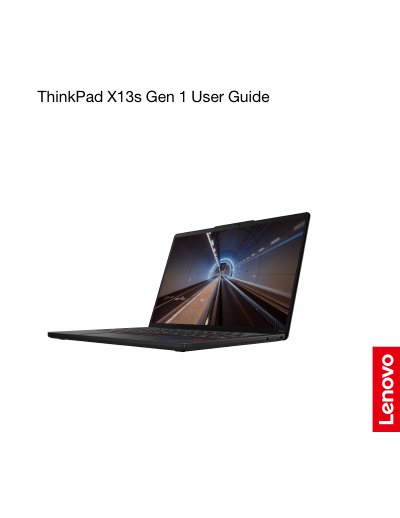
The Lenovo ThinkPad X13s Gen 1 is a lightweight business notebook featuring an Intel Core processor, up to 32 GB of LPDDR4x memory, and an M.2 solid-state drive storage option. The device includes security features such as a fingerprint reader integrated into the power button, face authentication, and User Presence Sensing for selected models. It supports connectivity via Wi-Fi, Bluetooth, optional GPS, and cellular networks (5G on selected models), along with USB-C ports for data transfer and charging.
| Memory | Low Power Double data rate 4x (LPDDR4x), soldered on board, up to 32 GB |
|---|---|
| Storage device | One slot, 2242 M.2 solid-state drive, up to 1 TB |
| Display resolution | 1920 x 1200 pixels |
| Operating temperature | 5°C to 35°C (41°F to 95°F) |
| Wireless features | Bluetooth, GPS (on wireless WAN model), Wireless LAN, Wireless WAN (5G)* |
Disconnect from AC power, insert a straightened paper clip into the emergency-reset hole for more than two seconds to cut off power supply temporarily, then reconnect and turn on.
The F9 key works as a privacy shutter. When the F9 indicator is on, your camera will be disabled.
Open the Vantage app and click Device ➙ Audio to customize sub-features according to your preference.