
Lenovo S20-30 Touch User Guide

This French user guide provides instructions for discovering the Lenovo S20-30 Touch computer, setting up Windows, using the OneKey Recovery system, and…
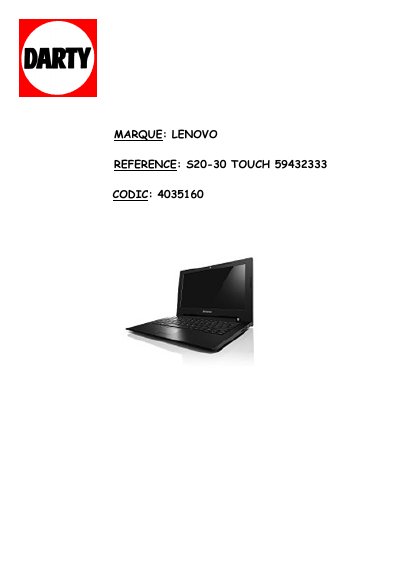

Lenovo S20-30 Touch User Guide - cover page
Brand
Lenovo
Category
Laptops
Document type
User Manual
Language
French
Pages
36
File format
PDF
File size
2.6 MB
Published
23 November, 2026
Updated
23 November, 2026
MD5 checksum
0C9C1AA0CFC2FB8E0568908EE0E43378

About this manual

This document is the user guide for the Lenovo S20-30 Touch laptop. It covers the physical layout of the device, including ports and buttons, and provides instructions for connecting USB devices and network cables. The guide also explains how to use the keyboard shortcuts and the integrated camera and microphone. This manual is written in French.

What's inside

  • Découverte de l'ordinateur
  • Commencer à utiliser Windows
  • Système Lenovo OneKey Recovery
  • Résolution des problèmes
  • Instructions relatives aux unités remplaçables par l'utilisateur

Frequently asked questions

What is the maximum angle to which the screen can be opened?

Do not open the screen beyond 130 degrees.

What is the function of the Novo button when the computer is off?

It launches the Lenovo OneKey Recovery or BIOS setup utility, or accesses the boot menu.

What is required to safely remove a USB storage device?

Ensure the computer has finished data transfer, then click the 'Remove device safely' icon in the Windows notification area before unplugging.

What operating system is assumed for some instructions in the guide?

The instructions assume you are using Windows 8.1.

Download PDF (2.6 MB)

More Lenovo Manuals


View all Lenovo manuals →