
Safety, warranty and setup guide for Lenovo ThinkStation P510, P710 and P910 workstations.
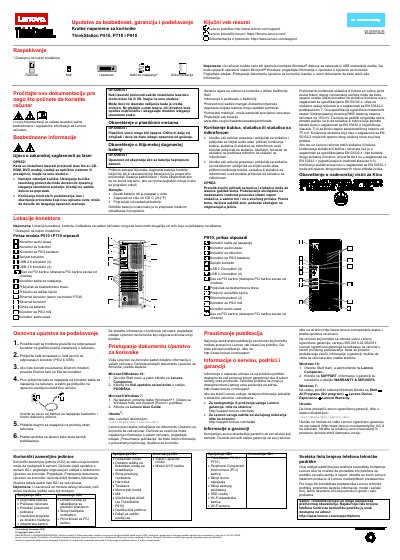
This document provides safety, regulatory, warranty and basic setup information for Lenovo ThinkStation P510, P710 and P910 workstations. It also lists key Lenovo support resources and the contents that may be included in the package.
It describes connector locations, basic setup steps, how to access and download the User Guide, warranty and service information, customer replaceable units, and worldwide technical support phone numbers.
| USB 2.0 connectors | 4 |
|---|---|
| USB 3.0 connectors | 4 |
| Ethernet connectors (P910) | 2 |
| Headphone output voltage limit | 150 mV |
The package includes the computer, and on some models a mouse, keyboard, power cable and documentation.
On Windows 10 open Lenovo Companion and select View User Guide; on Windows 7 press Windows+F1 and select Lenovo User Guide; on Ubuntu open /usr/share/doc/lenovo-doc.
The latest electronic publications are available from the Lenovo support website.
Visit the Lenovo warranty status page and follow the on-screen instructions.