
Lenovo ThinkCentre M93/p user manual covering package contents, port locations, setup, safety, warranty, and support information.
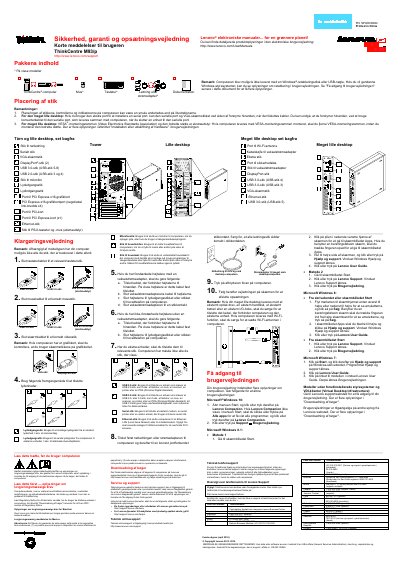
This Lenovo document is the safety, warranty and setup guide for the ThinkCentre M93/p computer. It lists package contents such as the computer, mouse, keyboard, power cord or power adapter, and documentation, and describes port locations for tower, small desktop, and very small desktop models.
The guide explains how to connect the keyboard, mouse, monitor, audio devices, speakers, and other devices, then connect power and turn on the computer. It also includes instructions for accessing the electronic user manual on Windows 7, 8, 8.1, and 10, plus worldwide Lenovo technical support phone numbers.
| Graphics port | PCI Express x16 |
|---|---|
| Ethernet cable | Category 5 |
The package may include the computer, mouse, keyboard, power cord or power adapter, and documentation.
Open the Start menu, click Lenovo Companion, then click Support User Guide.
Category 5 Ethernet cables must be used to meet FCC requirements.
It is available at http://www.lenovo.com/support/phone.