
Configuration guide with accessory options, technical parameters and recommended setups for Leica Biosystems HistoCore microtome models.
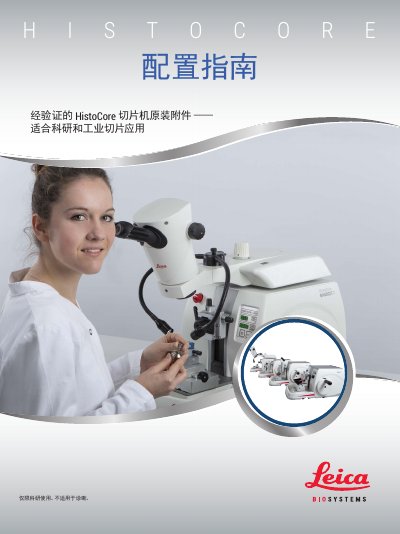
This document explains how to configure Leica Biosystems HistoCore microtomes for research use. It covers the four product lines—BIOCUT R, MULTICUT R, AUTOCUT R and NANOCUT R—detailing their technical specifications, sample handling options and safety notes.
The guide provides step‑by‑step instructions for selecting the appropriate sample holder, blade rack, waste tray and optional accessories such as footswitches and back‑light modules. Recommended configurations for 3‑D reconstruction and semi‑thin sectioning applications are included, together with order numbers for each component. This manual is written in Chinese.
| Dimensions (W × D × H) | 477 mm × 620 mm × 295 mm |
|---|---|
| Weight (no accessories) | ≈ 31 kg |
| Horizontal sample feed | ≈ 24 mm ± 2 mm |
The NANOCUT R is the preferred instrument for 3D reconstruction applications.
The AUTOCUT R can be equipped with a footswitch to start and stop electric cutting.
The NANOCUT R can achieve a minimum cutting thickness of 250 nm.