
The WP9612 graphics tablet user manual explains setup, driver installation, pressure sensitivity, pen functions and troubleshooting.
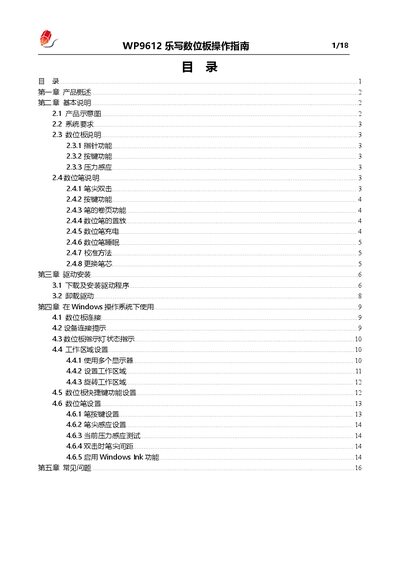
This guide provides a complete overview of the WP9612 graphics tablet, including product features, system requirements, and detailed descriptions of the pen and tablet functions. It also covers driver download, installation steps for Windows and macOS, and how to configure the work area across multiple displays.
The manual includes a troubleshooting section that addresses common issues such as tablet or pen not working, shortcut key problems, and pressure sensitivity in drawing software, helping users quickly resolve problems and get the most out of the device. This manual is written in Chinese.
| System Requirements | Windows 7 or later, macOS 10 or later |
|---|---|
| Pressure Sensitivity | Supports variable line thickness based on pen pressure |
| Number of Tablet Buttons | 3 default buttons, customizable |
| Pen Battery Charging | USB‑C charging via pen’s charging port |
| LED Indicator | Yellow half‑lit when connected, bright yellow when active |
Enable shortcut key functions in the driver and verify the key definitions are correct.
Remove any other tablet drivers, close drawing software during driver installation, then reinstall the LeSketch driver.