
User guide for the launcherHC remote control tank covering battery charging, remote control functions, turret types, and watch controller modes.
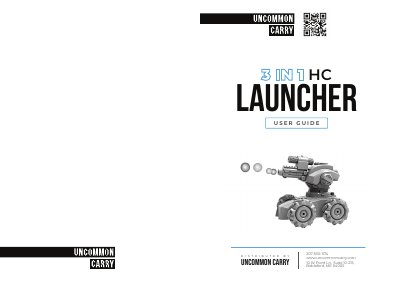
This launcherHC Remote Control Tank user guide explains how to charge the battery, install remote control batteries, connect frequencies, and operate the vehicle. It lists included parts and describes driving, sidling, spray, light, and music controls.
The guide also covers EVA Bullet, Water Bullet, and Bubble Bullet turret setup and shooting, plus a multifunction remote control tank watch with four gesture-controlled modes and USB charging.
| Remote control battery | 2x 1.5V AA batteries |
|---|---|
| Full charge time | Up to 150 minutes |
| Fully charged indicator | Green light on, red light off |
| Water bullets included | 500 units |
| Remote control type | 2.4g remote control |
A full charge takes up to 150 minutes.
Turn the power switch to ON, wait for the light to flash slowly, then long press the switch button on the remote control at the same time.
The Water Bullet Turret parts list includes 500 water bullets.
Connect the charging cable to the watch and a USB charging port; the red light indicates charging and turns off when fully charged.