
This user guide covers the setup, software requirements, and operation of the Lattice Semiconductor iCEman40 iCE40HX8K Evaluation Kit for FPGA prototyping.
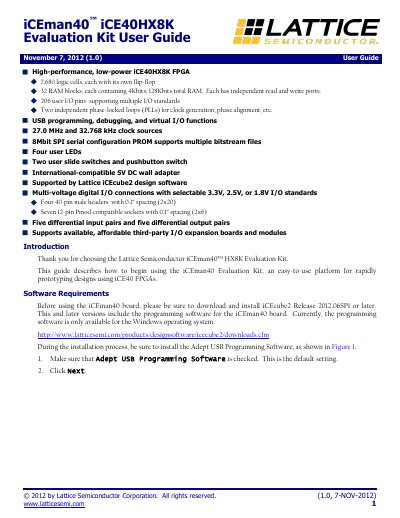
This document serves as a user guide for the Lattice Semiconductor iCEman40 iCE40HX8K Evaluation Kit, a platform designed for rapidly prototyping designs using iCE40 FPGAs. It details the necessary software requirements, including the installation of iCEcube2 and Adept USB Programming Software, and provides instructions for initial board setup.
| Logic Cells | 7,680 |
|---|---|
| RAM Blocks | 32 |
| Total RAM | 128Kbits |
| User I/O Pins | 206 |
| Clock Sources | 27.0 MHz and 32.768 kHz |
| Configuration PROM | 8Mbit SPI serial |
| User LEDs | Four |
| I/O Voltage Standards | 3.3V, 2.5V, or 1.8V |
You must download and install iCEcube2 Release 2012.06SP1 or later.
No, the programming software is currently only available for the Windows operating system.
The 32.768 kHz oscillator is enabled when jumper JP6 is installed.
Switch the virtual slide switch up on the bottom rank, second from the left, to directly control the physical user LEDs.