
This manual provides installation, safety, operation, and software feature instructions for the Labnet Enduro GDS II and GDS Touch II gel imaging systems.
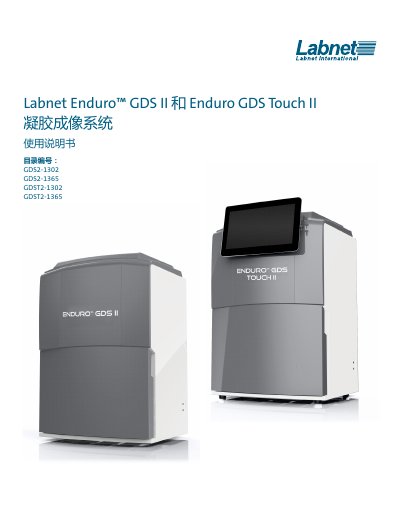
The document serves as a user guide for the Labnet Enduro™ GDS II and Enduro GDS Touch II gel imaging systems. It covers system components, safety precautions regarding UV radiation, and environmental requirements for placement.
Detailed instructions are provided for installing both the desktop-based GDS II model (requiring an external computer) and the tablet-integrated GDS Touch II model. The guide also explains image capture procedures, including selecting light sources like Epi blue or UV wavelengths, adjusting exposure times, and using software features such as auto-contrast and image rotation. This manual is written in Chinese.
| Camera Resolution | 2.7 Megapixels |
|---|---|
| Light Source (Epi) | Blue or White |
| Transilluminator Wavelengths | 302 nm or 365 nm |
| Field of View | 15 x 20 cm |
| Operating Temperature Range | 5°C to 40°C |
The system requires a Windows 7, 8, or 10 computer with an Intel processor (1 GHz or faster), 2 GB RAM (32-bit) or 4 GB RAM (64-bit), and 16-20 GB of available hard drive space.
The system requires a Windows 8 compatible tablet with Bluetooth or USB to LAN connectivity, featuring a 10.1-inch touchscreen and at least 2 GB of storage space.