
This manual provides instructions for installing drivers, connecting the ICS USB adapter, and using the VE Manager software to adjust steering and throttle…
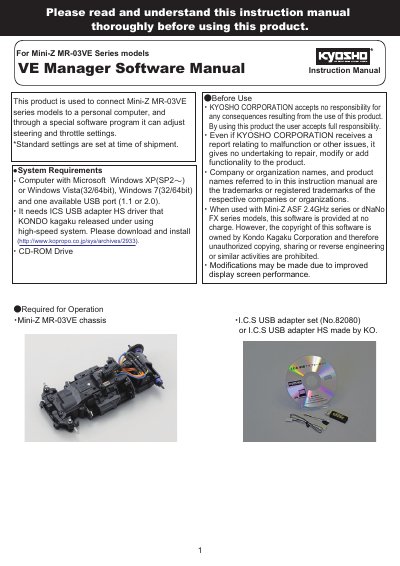
This document serves as the user manual for the VE Manager Software, designed to connect and adjust settings for the KYOSHO Mini-Z MR-03VE Series models. It details the system requirements, including the need for a Microsoft Windows computer and the ICS USB adapter HS driver. The guide covers the installation process for both the adapter driver and the software itself.
| Operating System | Windows XP(SP2), Windows Vista(32/64bit), Windows 7(32/64bit) |
|---|---|
| Required Hardware | ICS USB adapter HS driver |
| Compatible Models | Mini-Z MR-03VE Series |
You need a computer with Microsoft Windows XP(SP2), Vista, or 7, one available USB port, and the ICS USB adapter HS driver.
No, the USB adapter may not function properly if using a USB hub or a USB extension cable.
It returns all settings back to the factory default settings, overwriting any existing custom settings.