
KYE KM-8206S Hardware Installation Guide

Installation guide for KYE KM-8206S mouse and keyboard with battery replacement, USB receiver connection, and function key assignments.
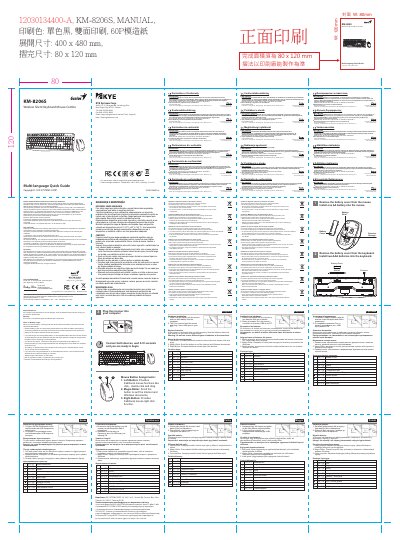

KYE KM-8206S Hardware Installation Guide - cover page
Brand
KYE
Document type
User Manual
Language
English
Pages
2
File format
PDF
File size
12.2 MB
Published
16 November, 2026
Updated
16 November, 2026
MD5 checksum
514F4EC95182097382630F5F76F9EAD0

About this manual

This guide explains how to install batteries into the mouse and keyboard, connect the USB receiver, and replace batteries when needed. It also details button functions including left, right, and Magic-Roller buttons, as well as function key combinations for media and system controls. Safety notes cover battery usage, storage, and disposal.

What's inside

  • Battery Installation
  • USB Receiver Connection
  • Battery Replacement
  • Mouse Button Assignments
  • Function Key Controls
  • Battery Safety Notes

Specifications

Model NumberKM-8206S
Receiver TypePico receiver

Frequently asked questions

How do I connect the receiver?

Plug the Pico receiver into a USB port on your PC.

What should I do if the mouse or keyboard stops working?

Replace the batteries, as they may have lost their charge.

Download PDF (12.2 MB)

More KYE Manuals


View all KYE manuals →