
This user manual provides instructions for the installation, configuration, and operation of Kramer Ethernet and K-NET Control Keypads.
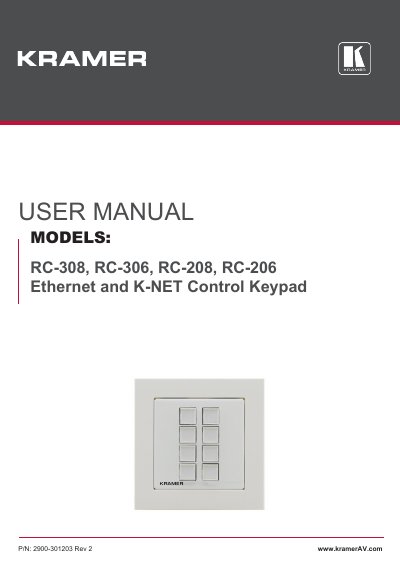
The Kramer Ethernet and K-NET Control Keypad is a compact button control device designed to fit US, European, and UK standard 1 Gang wall junction boxes. It serves as an easy-to-deploy user interface for controlling complex multimedia systems, screens, lighting, and shades within classrooms and meeting rooms.
Available in four models (RC-308, RC-306, RC-208, RC-206), the keypad features configurable RGB backlit buttons with custom labels. It supports flexible control via LAN connections, RS-232/RS-485 serial ports, and various I/O interfaces. Models RC-308 and RC-306 offer Power over Ethernet (PoE) capabilities.
| Keypad Buttons (RC-308/RC-208) | 8 backlit buttons |
|---|---|
| Keypad Buttons (RC-306/RC-206) | 6 backlit buttons |
| Wall Frame Standard | 1 Gang wall frame |
| Power Supply (RC-308/RC-306) | PoE or +12V |
| Control Software | K-Config |
You must use K-Config software to download, install, and sync the configuration to the device.
Yes, you can connect your PC via the Mini USB Type B Port located behind the frame.