
Installation and commissioning guide for KOSTAL PIKO MP plus inverter with KOSTAL Smart Energy Meter and BYD Battery-Box Premium HVS/HVM.
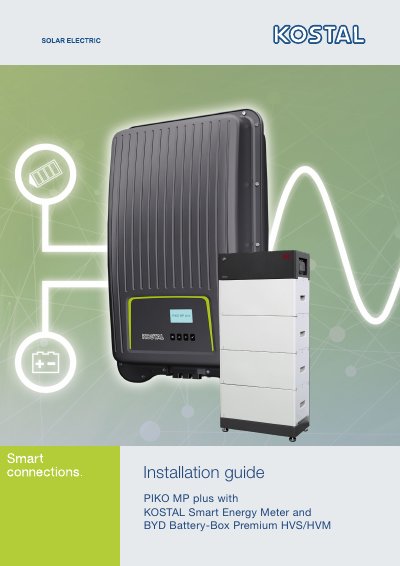
This guide provides step-by-step instructions for installing and commissioning the KOSTAL PIKO MP plus inverter with the KOSTAL Smart Energy Meter and BYD Battery-Box Premium HVS/HVM. It covers setup sequences, communication connections, and configuration steps for proper operation. The guide emphasizes safety, requiring trained electricians and adherence to device-specific manuals. It also details how to configure the inverter and battery via the KOSTAL Smart Energy Meter using activation codes and network connections.
nPIKO MP plus: HMI 3.13.2 / PU-APP 3.7.0 / ENS1 1.31.0 / PAR 23.0.2 nKOSTAL Smart Energy: 1.2.0
Establish RS485 communication lines between the inverter and KOSTAL Smart Energy Meter RS485 (B), and between the battery and KOSTAL Smart Energy Meter RS485 (A). Set the terminating resistor in the battery to OFF.
A battery activation code must be purchased via shop.kostal-solar-electric.com and entered in the "Activation code" item in the KOSTAL Smart Energy Meter menu.