
This guide provides instructions for installing, uninstalling, and using the driver software for the Kodak Alaris 305 Photo Printer on Windows 7, 8, and 10.
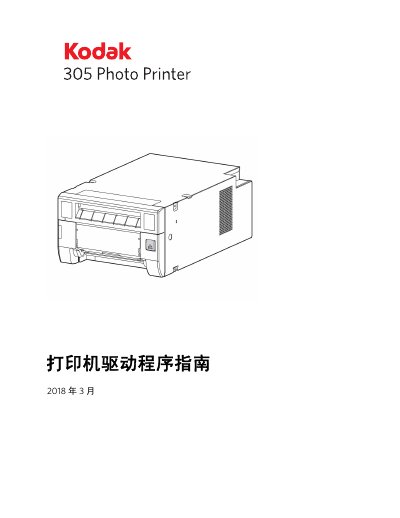
This user manual covers the installation and configuration of the printer driver software for the Kodak Alaris 305 Photo Printer. It details system requirements including supported operating systems (Windows 7, 8, and 10) and necessary hardware connections via USB cable.
The document provides step-by-step procedures for installing and uninstalling the driver on various Windows versions. Additionally, it explains how to use the software features such as color management, layout options, and print speed settings within the application. This manual is written in Chinese.
The computer must have a minimum of 512 Mb main storage memory and hard disk capacity.
A USB cable that is 2 meters or shorter in length is required.