
The Kleinwachter CPM374 Charge Plate Monitor operating manual provides setup, measurement, calibration, and data export instructions.
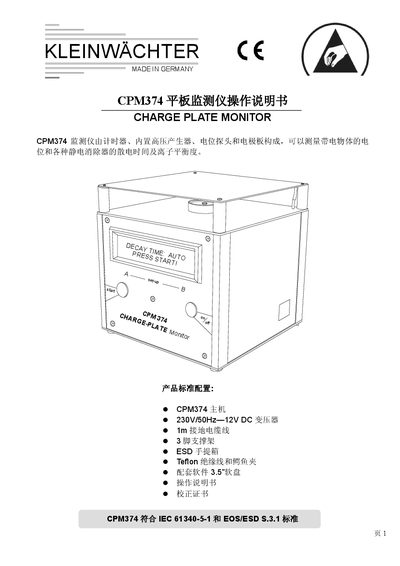
The CPM374 Charge Plate Monitor is a compact, battery‑operated instrument with an optional external AC power supply. It measures the potential of charged objects, decay time of static eliminators, and ion balance. All functions are accessed via two keys and displayed on an LCD screen.
The manual explains how to power the device, select measurement modes (VOLTM, POS, NEG, AUTO), perform decay‑time and ion‑balance tests, store and delete results, calibrate the instrument, and connect to a PC for data export. Safety and grounding requirements are also covered. This manual is written in Chinese.
| Housing material | Pure aluminum |
|---|---|
| Dimensions | 152 mm × 152 mm × 152 mm |
| Weight | 1.5 kg |
| LCD display size | 100 mm × 24 mm |
| Measurement range | ±1200 V |
| Measurement accuracy | ±2.5 % |
| Battery | 7.2 V / 1300 mAh (4 h continuous) |
| Operating temperature | 0 °C to 40 °C |
| Operating humidity | 0 % to 60 % RH |
Connect the CPM374 to a PC via the supplied communication cable and run the provided software; the PC must have a 486‑class CPU, 3.5" floppy drive, at least 2 MB RAM, and run DOS 6.0, Windows 3.1 or later.