
The Kitchen Brains Meridian 5.00 cooking timer user manual provides installation, operation, programming and troubleshooting instructions.
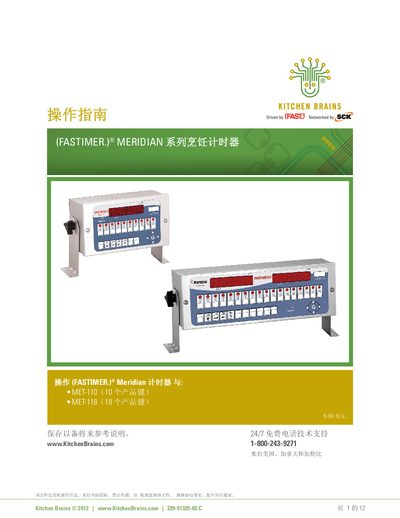
This manual covers the installation steps for the Meridian cooking timer, including required tools, mounting brackets and wiring. It also explains the operating environment limits and cleaning procedures.
Detailed sections describe how to start, stop and program cooking cycles, set programmable alerts, configure hold timers, and perform system programming. Troubleshooting tips, parts lists, warranty information and customer support contacts are also included.
| Maximum operating temperature | Up to 158 °F (70 °C) |
|---|---|
| Display | 8 characters, 14 segments LED |
| Product keys | 10 or 18 keys (MET‑110, MET‑118) |
| Programmable operation alerts per key | Up to 3 alerts |
| Hold indicator | Lights when warm timer active |
Hold the enabled product key for about three seconds; the timer will stop the countdown.
The timer is designed to operate reliably up to 158 °F (70 °C).