
Quick-start guide for the KICKER KPw2 portable wireless speaker, covering controls, connections, pairing, specifications, and troubleshooting.
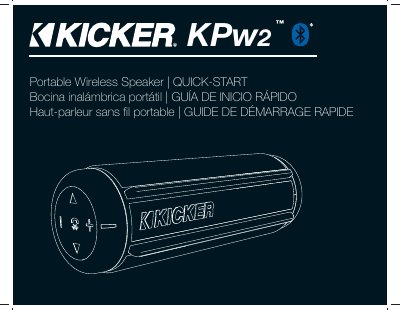
The KICKER KPw2 is a portable wireless speaker with Bluetooth and a 3.5mm AUX input, a lithium-ion battery, and multilingual quick-start instructions in English, Spanish, and French.
The guide explains LED status meanings, charging and battery status, pairing steps, product specifications, troubleshooting for power and pairing issues, warranty information, and FCC compliance statements.
| Speakers | Two 1-3/4" [44mm] full-range drivers and two 2" [52mm] passive radiators |
|---|---|
| Frequency response | 180Hz-20kHz |
| Inputs | Bluetooth and 3.5mm AUX |
| Battery | 3.7V lithium ion, 3000mAh |
| Charge time | 3.5 hours |
| Bluetooth | Version 3.0 + EDR, 10m [33ft] range |
| Weight | 1.25 lbs [.57 kg] |
| Dimensions | Length 7.9" [201mm], diameter 2.7" [68mm] |
Fully charge it by connecting it to a power supply for up to 5 hours.
Check that the battery is fully charged, or reset it by pressing and holding the power button while inserting the USB charging cable.
Press and hold the Bluetooth|Phone button for 2 seconds.
No input is detected.