
This guide provides installation, programming, and configuration instructions for the Keyscan NETCOM2 serial to Ethernet converter.
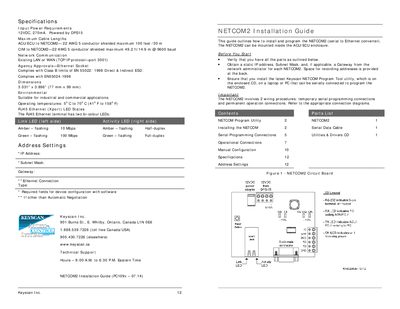
The NETCOM2 is a serial to Ethernet converter designed for industrial and commercial applications. This document outlines the necessary steps to install the device within an ACU/ECU enclosure, including verifying parts and obtaining network settings from an administrator.
Programming the device requires specific procedures involving either the Keyscan NETCOM Program Tool utility via a direct serial connection or manual configuration through Hyper Terminal for advanced users. The guide details temporary serial programming connections, permanent operational wiring diagrams, and how to configure IP addresses, subnet masks, and gateway settings.
| Input Power Requirements | 12VDC, 270mA |
|---|---|
| Maximum Cable Length (ACU/ECU to NETCOM2) | 100 feet /30 m |
| Maximum Cable Length (CIM to NETCOM2) | 49.2 ft/14.9 m @ 9600 baud |
| Network Communication Protocol | TCP/IP protocol—port 3001 |
The Keyscan NETCOM Program Tool utility, which is located on the enclosed CD.
Reset the NETCOM2 and within 1 second, enter three lowercase 'x' characters (xxx) at the keyboard terminal.