
Installation guide for KEPServerEX V6 by KEPWARE, covering setup steps, driver selection, and configuration.
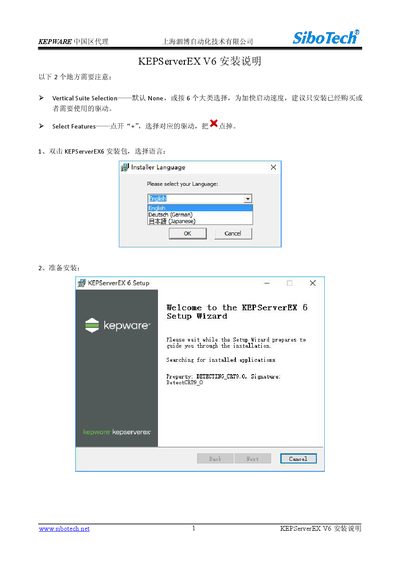
This guide provides step‑by‑step instructions for installing KEPServerEX V6. It begins with selecting the language, preparing the installation, and accepting the license agreement. Subsequent steps cover setting the application data path, choosing whether to add a desktop shortcut, and selecting the driver suite to install.
The document explains how to customize the installation by selecting specific drivers and plugins, adjusting the installation path, and completing the installation process. After installation, users can launch the KEPServerEX configuration tool to verify a successful setup. This manual is written in Chinese.
Use the VerticalSuiteSelection (default None) and the SelectFeatures option to choose only the drivers you have purchased or need.
During installation, set the program installation path in the step titled “设置程序安装路径”.
Yes, the installer includes an option to add a desktop shortcut in the “设置是否添加桌面快捷方式” step.
Double‑click KEPServerEX6Configuration to launch the software and verify that the installation was successful.