
Guide for updating firmware on Kenwood CD/USB receivers, including steps, precautions, and compatible models.
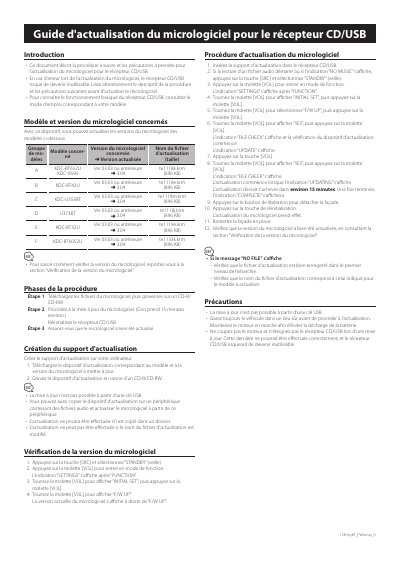
This guide explains how to update the firmware on Kenwood CD/USB receivers. It covers steps for downloading, burning, and installing the firmware, along with precautions to avoid device failure. Compatible models include AKDC-BT652U, KDC-X696, and others. The process takes about 15 minutes and requires a CD-R/CD-RW with the correct firmware file.
Important: Do not use a USB drive for updating. Ensure the firmware file is named correctly and placed at the root of the disc. Do not turn off the device or engine during the update to avoid failure. This manual is written in French.
| Firmware Version | 3.04 |
|---|---|
| Update Time | 15 minutes |
| Media Type | CD-R/CD-RW |
No, updating is not possible from a USB drive.
Press [SRC] to select 'STANDBY', then use [VOL] to navigate to 'SETTINGS' > 'INITIAL SET' > 'F/W UP' to view the current version.
The device may become unusable if the update fails.