
Installation, debugging and operation guide for Keli Si Di G-F660DC series barrier gates, including technical specs, wiring, parameter settings and maintenance.
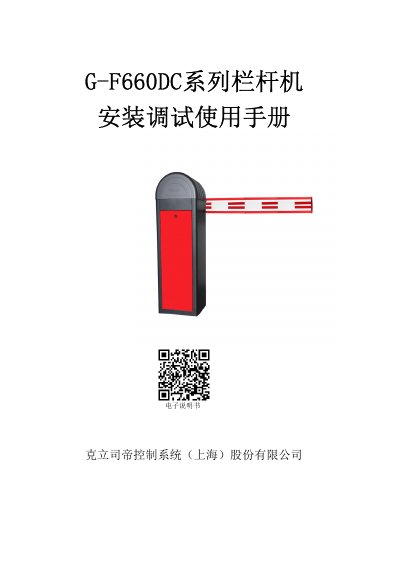
This manual provides step-by-step instructions for installing, debugging, and operating the Keli Si Di G-F660DC series barrier gates. It covers product features, technical specifications, wiring diagrams, parameter settings, maintenance, and troubleshooting. The system supports multiple control methods including manual, remote, and 485 electrical interface control. Safety precautions are emphasized, including grounding requirements and operational restrictions to prevent injury.
The manual includes detailed sections on component assembly, installation procedures, parameter adjustments, balance tuning, fault codes, and maintenance. It also provides troubleshooting for common issues such as imbalance, motor faults, and sensor malfunctions, with specific steps to resolve them. This manual is written in Chinese.
| Power Input | AC220V±10%, 50~60Hz |
|---|---|
| Gate Operation Time | Fast: 1.2 to 2.5 seconds; Normal: 3 to 6 seconds |
| Operating Temperature | -30°C to +85°C |
| Humidity | <95% RH, no condensation |
| RS485 Communication Distance | ≤1200 meters |
| Remote Control Range | ≤30 meters |
It features a 24V DC motor with gear transmission for smooth operation, supports multiple control methods including manual, remote, and 485 electrical interface, includes manual lift function for power failure, and has anti-collision and obstacle rebound protection.
Adjust the '下降速度' (down speed) and '上升速度' (up speed) parameters in the menu, and set '遇阻反弹' (obstacle rebound) to desired sensitivity. Use the '+' and '-' keys to adjust values between 5~199 for speed and 25~200 for rebound.
Disconnect power, adjust the balance spring until the gate holds at 45°. Re-power and enter self-learning mode to recalibrate speed and rebound sensitivity.