
The Keli Optoelectronic LSPD Safety Laser Scanner User Manual provides safety guidelines, installation, operation, maintenance, and troubleshooting…
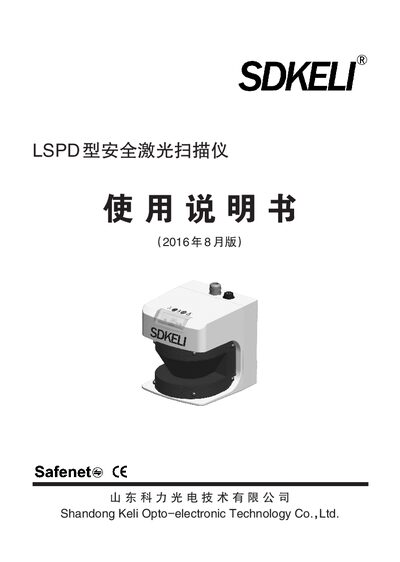
This manual explains the safety principles and proper use of the LSPD safety laser scanner. It emphasizes reading the manual, using qualified personnel for installation, and complying with relevant standards and regulations.
The document covers product overview, system composition, specifications, wiring diagrams, installation steps, routine inspection, maintenance procedures, and fault diagnosis to help users operate the scanner safely and effectively. This manual is written in Chinese.
| Maximum detection range | 4 m / 5 m / 6 m / 7 m |
|---|---|
| Minimum detectable object diameter | 7 cm |
| Reflectivity coefficient options | 1.8 %, 20 %, 100 % |
Read the manual carefully, understand the installation, operation and inspection procedures, and ensure the device is installed and maintained by qualified personnel.
The LSPD system consists of a scanner, a power line, a configuration line, and configuration software; connect the configuration line to a PC and follow the wiring diagram.
Verify that no screws are loose after installation, ensure the OSSD is off, confirm there is no external light interference, and keep the window clean.
The status indicator shows the cause of a fault, such as OSSD output fault, EDM monitoring fault, or window contamination.