
Guide for configuring Keil uVision3 to use the ULINK emulator for flash debugging and download on ARM devices.
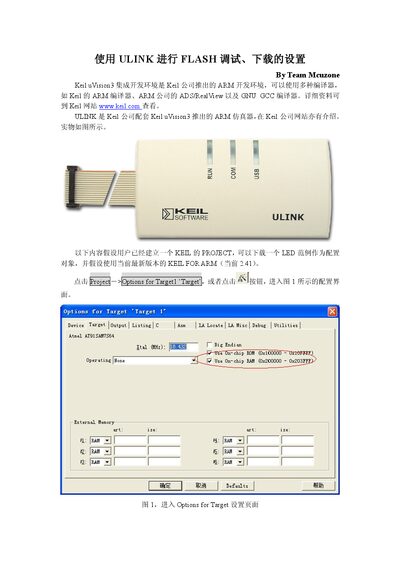
This manual shows how to set up the ULINK emulator within the Keil uVision3 IDE for ARM chip development. It assumes a Keil project is already created and a sample LED program is ready.
The document walks through target options, memory layout, selecting ULINK as the debugger, configuring flash download settings, and adding the appropriate flash programming algorithm before performing a download or starting a debug session. This manual is written in Chinese.
| Target chip RAM start address (AT91SAM7S64) | 0x00200000 |
|---|---|
| Target chip RAM size after correction (S64 16K RAM) | 0x3FE0 |
In the Debug tab, choose "ULINK ARM Debugger" and open Settings to view or adjust ULINK information.