
This manual provides instructions for the KEF Mu3 True Wireless Noise Cancelling Earbuds, covering setup, controls, and specifications.
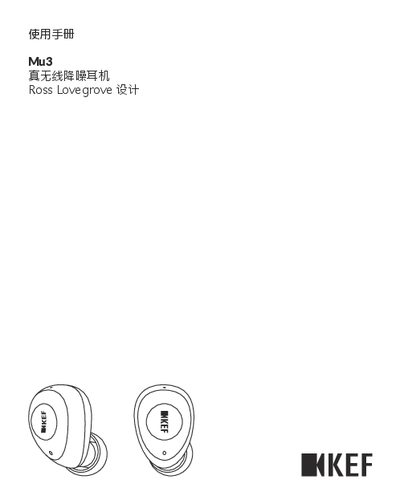
This user manual for the KEF Mu3 True Wireless Noise Cancelling Earbuds explains how to use the product, including pairing with Bluetooth devices, using the single-ear mode, and controlling music and calls via the touch-sensitive buttons on the earbuds. It also details the LED indicator meanings for status updates. This manual is written in Chinese.
| Driver Unit | 8.2mm |
|---|---|
| Frequency Range | 20 - 20000Hz |
| Sensitivity | 104dB/1mW at 1KHz |
| Battery Capacity (Earbud) | 55mAh |
| Playback Time (ANC On) | 9 hrs |
Remove one earbud from the charging case; after 15 seconds, the pairing stops and the earbud enters single-ear mode.
Place both earbuds back in the charging case and press the multi-function buttons on both sides simultaneously until the LEDs flash alternating blue and white.
A flashing white LED indicates that the earbuds are in the pairing process.