
This manual provides instructions for the setup, operation, and maintenance of the JVC UX-G210 Micro Component System, including CD, USB, and FM radio playback.
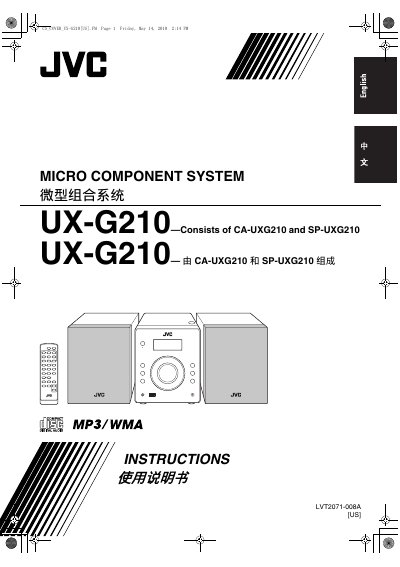
This document is the user manual for the JVC UX-G210 Micro Component System, which consists of the CA-UXG210 main unit and the SP-UXG210 speakers. It covers safety warnings, installation steps, and daily operations such as playing discs, USB mass storage devices, and FM radio. The guide also details advanced features like program play and random play, as well as troubleshooting and maintenance procedures.
| Laser Class | CLASS 1 LASER PRODUCT |
|---|---|
| FM Reception | Cannot receive AM broadcast |
| Operating Temperature | 5°C and 35°C |
The system may malfunction. You should leave it turned on for a few hours until the moisture evaporates.
No, you must not connect more than one speaker to each terminal.
No, this system cannot receive AM broadcast.