
User guide for the JVC LT-32P679 LCD television, covering setup, remote control, picture and sound settings, connections, and troubleshooting.
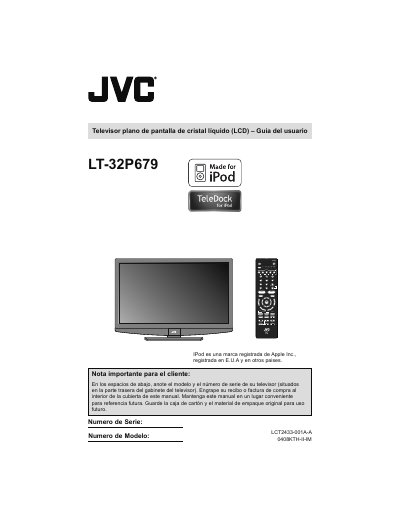
This Spanish-language user guide for the JVC LT-32P679 LCD television begins with warnings and safety precautions, including installation and ventilation guidance. It then describes the RM-C1480 remote control and basic TV controls, initial setup, and adjustments for picture, sound, and channels.
Later sections cover iPod movie and music playback, connecting external devices, programming the remote control, troubleshooting, and specifications. The guide also includes instructions for assembling the TV stand and a note on the optional JVC-XUF-2637 wall mount for the LT-32P679. This manual is written in Spanish.
| Display type | LCD |
|---|---|
| Remote control model | RM-C1480 |
| Optional wall mount for LT-32P679 | JVC-XUF-2637 |
The document lists the remote control model RM-C1480.
The guide specifies the JVC-XUF-2637 wall mount for the LT-32P679.
Disconnect the power cord from the AC outlet and disconnect the antenna.
Mix the channel programming you watch.