
This manual provides operating instructions for the JVC KD-X40 and KD-X30 audio systems, covering radio tuning, USB/iPod playback, and basic controls.
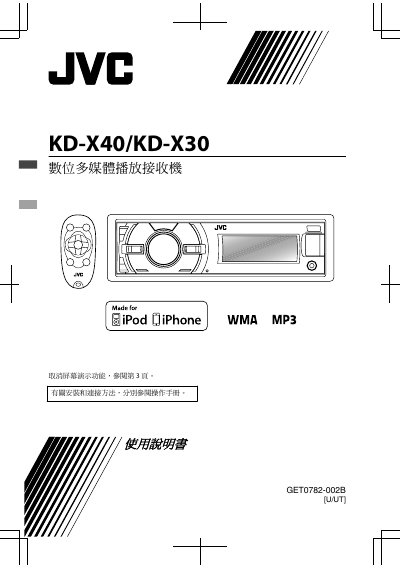
This document is the user manual for the JVC KD-X40 and KD-X30 audio systems. It contains instructions in Chinese for operating the device, including how to cancel the demo mode, set the clock, and use the control panel. The manual covers basic operations such as adjusting volume, switching sources, and using the tuner for FM and AM radio. This manual is written in Chinese.
| Frequency Response | 40 Hz to 20,000 Hz |
|---|---|
| FM Frequency Range | 87.5 MHz to 108.0 MHz |
| AM Frequency Range | 531 kHz to 1611 kHz |
| USB Standard | USB 1.1/2.0 |
| Operating Temperature | 0°C to +40°C |
| Dimensions (Approx) | 182 mm x 52 mm x 158 mm |
You can preset up to 18 FM stations and 6 AM stations.
The device supports MP3 and WMA audio formats.