
JVC KD-R775S/K CD Receiver Instruction Manual

This manual provides instructions for setting up and operating the JVC KD-R775S/K CD receiver, covering radio tuning, media playback, and audio settings.
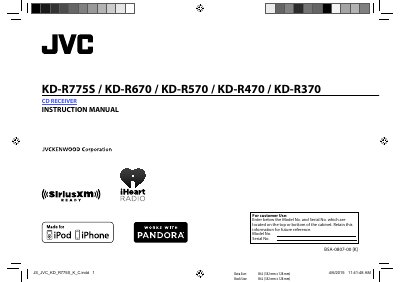

JVC KD-R775S/K CD Receiver Instruction Manual - cover page
Brand
JVC
Category
Car
Document type
User Manual
Language
English
Pages
26
File format
PDF
File size
503 KB
Published
25 October, 2026
Updated
25 October, 2026
MD5 checksum
FF95129A025CF6A745DA8A0C6FB4FC5C

About this manual

The document serves as an instruction manual for the JVC KD-R775S/K CD Receiver. It details how to cancel the demonstration mode, set the clock, and configure basic settings such as beep tones and source selection. The guide explains operations using buttons on both the faceplate of the unit and the remote control (RM-RK52).

What's inside

  • Basics
  • Getting Started
  • Radio
  • CD / USB / iPod / Android
  • Pandora
  • iHeartRadio
  • SiriusXM Radio
  • Audio Settings
  • Display Settings
  • Troubleshooting

Frequently asked questions

How do I cancel the demonstration mode?

Press and hold the volume knob when 'CANCEL DEMO' appears on the display.

How many stations can be stored in memory?

You can store up to 18 stations for FM and 6 stations for AM.

What happens if I put metallic objects inside the unit?

It may cause a short circuit, so you should never put or leave any metallic objects inside.

Download PDF (503 KB)

More JVC Manuals


View all JVC manuals →