
Detailed user manual for JVC GZ-HM50 and GZ-HM30 HD memory camcorders covering operation, settings, editing, and troubleshooting.
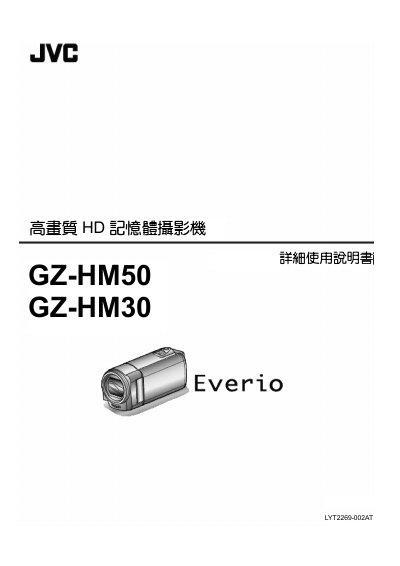
This document is the detailed user guide for the JVC GZ-HM50 and GZ-HM30 high-definition memory camcorders. It provides comprehensive instructions for beginners on how to charge batteries, insert SD cards, and operate the camera in various modes such as Smart Auto and manual settings.
The guide covers essential functions including recording video with different quality settings, playing back footage, editing files (deleting, protecting, merging), and copying data to a computer or disc. It also includes specific sections on connecting the camcorder to TVs via HDMI or AV terminals, menu configurations for display and connection, and troubleshooting common issues. This manual is written in Chinese.
For long trips, you should prepare several large-capacity batteries.
The JVC AC power adapter supports voltages from 100V to 240V.
A 90-degree turn should take about 5 seconds.