
JVC GY-HD110/GY-HD111 HD Camera Recorder instruction manual covering operation, setup, shooting, playback, menus, and specifications.
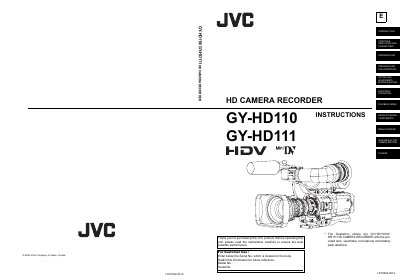
This instruction manual covers the JVC GY-HD110/GY-HD111 HD Camera Recorder, including the GY-HD110U/CHU, GY-HD110E/CHE, and GY-HD111E/CHE models. It provides operating instructions, setup and adjustments, shooting and playback procedures, and menu screen guidance.
The camcorder records in HDV or DV format on Mini DV videocassettes and supports HDV 720p recording. Key features include a 1/3" 3-CCD system, IEEE1394 connector, built-in 3.5" color LCD display, focus assist, and time code reader/generator.
| Recording format | HDV or DV format |
|---|---|
| HDV recording | HDV 720p |
| Image sensor | 1/3" 3-CCD with 1,110,000 effective pixels |
| LCD display | Built-in 3.5" color LCD |
| Digital interface | IEEE1394 connector (6-pin) |
| Video signal support | 60 Hz/50 Hz HD or HDTV |
It records in HDV format or DV format on Mini DV videocassettes.
No, recording in the DVCAM format is not possible; only playback is supported.
Yes, in HDV format it records in 24p mode.
It employs 1,110,000 effective pixels.