
This user guide explains how to install, register, and operate the JVC CAM Control app on an iPhone to view and control GV-LS2/GV-LS1 cameras remotely.
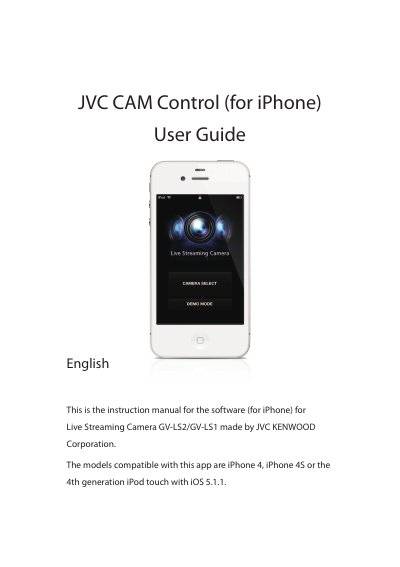
The document serves as a user manual for the JVC CAM Control application designed for use with iPhone devices (iPhone 4, 4S, or 4th gen iPod touch) running iOS 5.1.1. It is specifically intended for controlling Live Streaming Cameras models GV-LS2 and GV-LS1.
| Compatible iPhone Models | iPhone 4, iPhone 4S or the 4th generation iPod touch |
|---|---|
| Required iOS Version | iOS 5.1.1 |
| Compatible Camera Models | GV-LS2/GV-LS1 |
| Connection Requirement | Wi-Fi connection |
Yes, you can view video from a camera in a remote location via the Internet by assigning a URL to the camera.
Touch the [SETTING] button, then touch the [CAMERA SELECT] button and confirm by touching [OK].