
This manual provides instructions for installing, registering, and operating the JVC CAM Control app on an iPad to control Live Streaming Cameras GV-LS2 and…
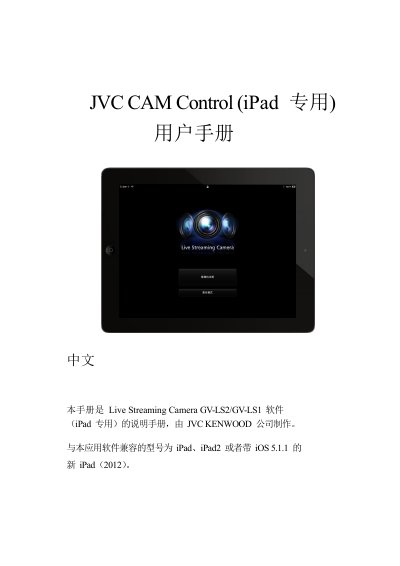
The document is a user guide for the JVC CAM Control application designed specifically for use with iPad devices. It covers the complete workflow from downloading the app from the App Store to registering compatible cameras (GV-LS2/GV-LS1) via Wi-Fi or internet URLs.
Key features described include remote video viewing, multi-camera switching, and unique body-motion control capabilities available on GV-LS2 models when paired with a pan/tilt device. The guide also details how to configure camera settings such as streaming modes (MPEG-2 TS/MotionJPEG), recording quality, focus adjustments, and audio/video resource allocation. This manual is written in Chinese.
| Compatible Devices | iPad, iPad2, or New iPad (2012) with iOS 5.1.1 |
|---|---|
| Compatible Cameras | Live Streaming Camera GV-LS2/GV-LS1 |
| Connection Requirement | Wi-Fi connection required for camera registration |
| Max Cameras Viewed | Up to four cameras simultaneously |
Yes, but this feature is only available with the GV-LS2 model when connected to a pan/tilt device and cannot be used on iPad1.
Recording is only possible in the MotionJPEG mode and requires a memory card to be inserted.