
This guide covers setup, safety, and operation of the JVC GC-PX100 HD Memory Camera, including battery charging, recording, playback, and file management.
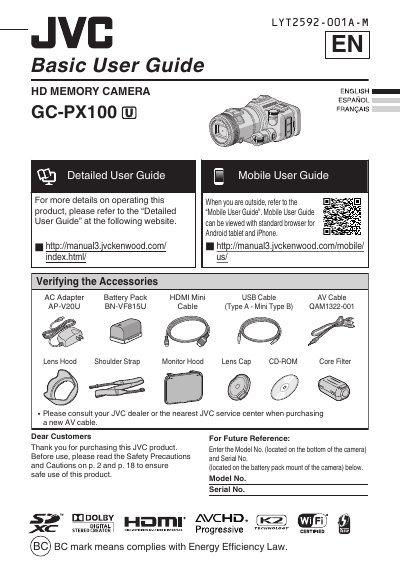
This document serves as a basic user guide for the JVC HD Memory Camera GC-PX100. It provides essential instructions for verifying accessories, observing safety precautions, and performing initial setup tasks such as charging the battery pack and inserting an SD card. The guide also explains how to use icon buttons and change menu settings.
Do not heat the battery above 100°C (212°F).
You must provide at least 10 cm (3-15/16") of space.
It is recommended to copy important data once every 3 months.