
The JVC LCD monitor user manual provides safety instructions, installation steps, operation guidance, maintenance tips, and technical specifications for…
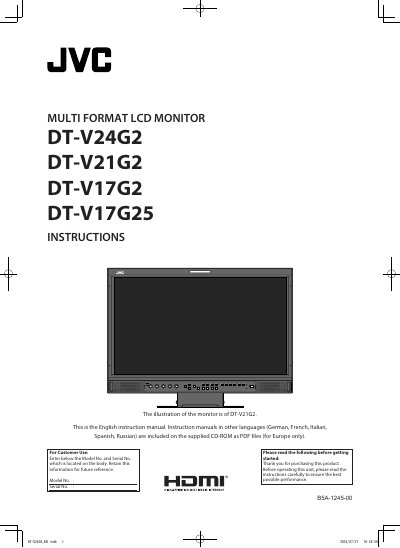
This manual covers all safety precautions, proper installation, and routine maintenance for JVC’s multi‑format LCD monitors. It explains how to secure the unit to a wall, connect power sources, and avoid interference or damage.
The guide also details the monitor’s features, such as screen sizes, power consumption, resolution, and available input signals, and provides step‑by‑step instructions for menu navigation, external control, and troubleshooting.
| DT-V24G2 screen size | 24 inch / 61 cm |
|---|---|
| DT-V24G2 on‑mode power consumption | 38.9 W |
| DT-V24G2 standby power consumption | 0.29 W |
| DT-V24G2 resolution | 1920 x 1200 pixels |
The monitor can be powered from AC 120 V/220 V – 240 V, 50 Hz/60 Hz, or from a DC source of 12 V – 17 V for the DT-V21G2 and DT-V17G2 models.
The manual recommends a maximum HDMI cable length of 2.0 m.
Wipe the panel with a soft cloth; for heavy stains use a cloth dampened with water‑diluted neutral detergent, then dry with a soft cloth. Do not use solvents or apply force.