
Step-by-step instructions to update the firmware for the JVC DLA-X90R projector via LAN connection.
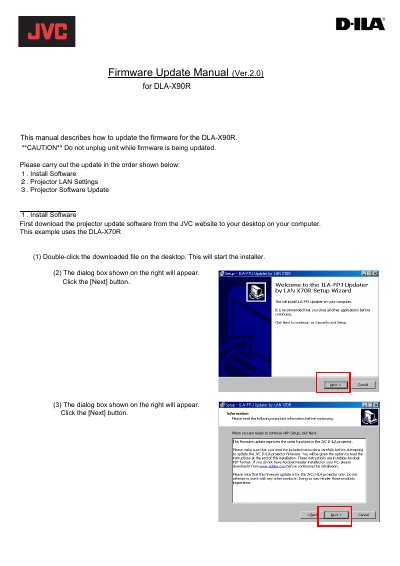
This manual provides step-by-step instructions for updating the firmware of the JVC DLA-X90R projector. The process involves installing specific software on a PC, configuring the projector's network settings, and performing the update through a dedicated updater program.
The procedure requires connecting the projector to a PC via a straight LAN cable without using routers or switches. Users must configure static IP addresses for both devices before initiating the update, which takes over 10 minutes and includes two parts: Main Firmware and Sub Firmware.
The entire update process will take over 10 minutes.
After updating, the software version should be 28.056.
No, there should be no other devices on the network except for the PC and the projector.