
The JVC DLA‑RS4500 K projector user manual provides setup, operation, adjustment, maintenance and safety instructions.
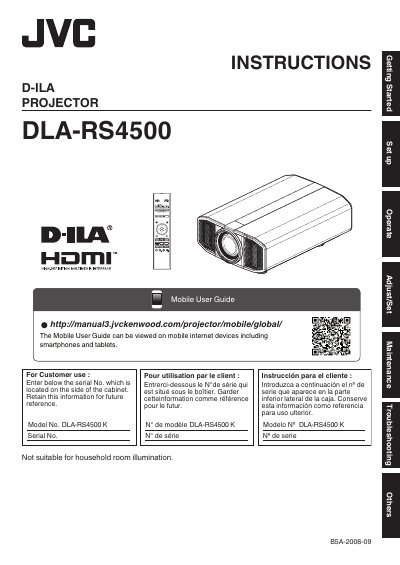
This manual covers everything needed to install and operate the JVC DLA‑RS4500 K projector, including safety precautions, power requirements, and connection options. It also details menu navigation, picture adjustments, 3D viewing, and troubleshooting steps.
Additional sections explain optional accessories, remote‑control usage, laser specifications, and service information such as filter cleaning and part replacement.
| Laser power | 30 W (6 laser diodes) |
|---|---|
| Laser wavelength | 450‑460 nm |
| Maximum laser output | 64.12 W |
| Power supply voltage | AC100 V – AC240 V |
Unplug the projector and use a damp cloth; do not use liquid or aerosol cleaners.
Only the power cord designated by the dealer, matching the local outlet and voltage rating, should be used.
Yes, but it must be installed by a qualified dealer using a proper mount to avoid vibration and injury.