
This mobile user guide provides setup, operation, maintenance, and troubleshooting instructions for JVC D-ILA projectors models DLA-NX9, DLA-N7, and DLA-N5.
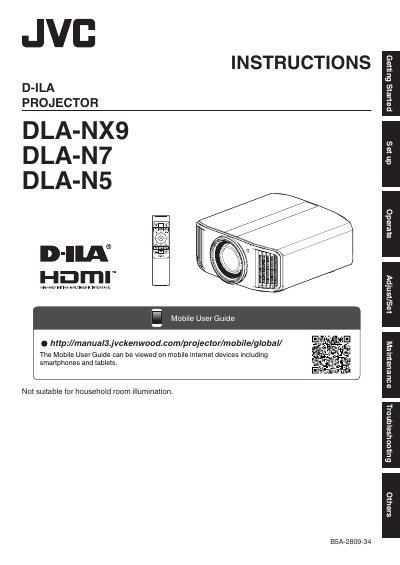
This document serves as a comprehensive user guide for the JVC D-ILA Projector series, specifically covering models DLA-NX9, DLA-N7, and DLA-N5. It is designed to be viewed on mobile internet devices such as smartphones and tablets, offering essential information for users who need quick access to instructions while away from a desktop computer.
The guide covers the entire lifecycle of using the projector, starting with safety precautions regarding the high-intensity discharge lamp and proper installation environments. It details setup procedures, operational guidelines for adjusting settings, routine maintenance tips including cleaning and bulb replacement intervals, and troubleshooting steps for common issues. Additionally, it addresses specific considerations for 3D viewing and environmental factors like temperature management.
Yes, the Mobile User Guide can be viewed on mobile internet devices including smartphones and tablets.
This product has a High Intensity Discharge (HID) lamp that contains mercury.
For health reasons, please take a break of about 5-15 minutes every 30-60 minutes and let your eyes rest.