
Installation and connection instructions for JVC 9-inch wide-screen DVD monitors, covering in-dash mounting, electrical wiring, and external component…
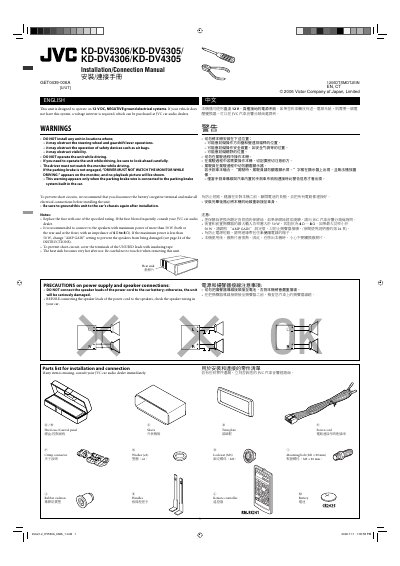
This manual provides instructions for installing JVC 1KD-DV5306, KD-DV5305, KD-DV4306, and KD-DV4305 units in vehicles. It details in-dash mounting procedures, including the use of sleeves and optional stays, and emphasizes safety precautions regarding vehicle operation and battery disconnection during installation.
| Operating Voltage | 12 V DC |
|---|---|
| Ground System | NEGATIVE ground |
| Recommended Speaker Power | more than 50 W |
| Speaker Impedance | 4 Ω to 8 Ω |
| Product Type | 9-INCH WIDESCREEN MONITOR |
The unit is designed to operate on 12 V DC, NEGATIVE ground electrical systems.
It is recommended to connect to speakers with a maximum power of more than 50 W and an impedance of 4 Ω to 8 Ω.
If the parking brake wire is not connected, the warning 'DRIVER MUST NOT WATCH THE MONITOR WHILE DRIVING' will appear, and no playback picture will be shown.