
User manual for the Joy-IT JT-Cam 5MP camera for Raspberry Pi, covering connection, setup, and photo and video capture.
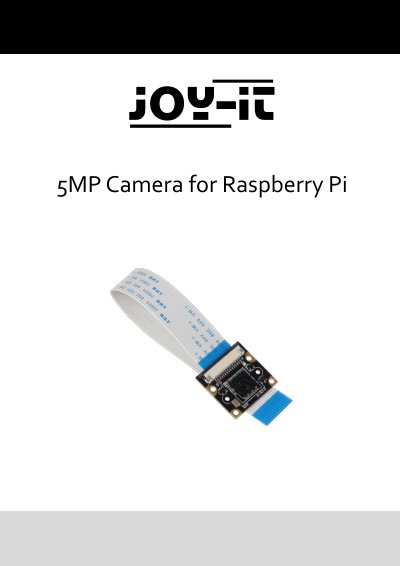
The Joy-IT JT-Cam is a 5MP camera module for Raspberry Pi. The manual explains how to connect it to the CSI interface and enable it in the Raspberry Pi configuration.
It also covers installing Raspbian when needed, taking photos with raspistill, recording videos with raspivid, and where to get support. This manual is written in German.
| Resolution | 5 MP |
|---|---|
| Interface | CSI |
| Supported system | Raspbian |
Connect the camera module to the CSI interface using the supplied ribbon cable; no other connection is needed.
Open a terminal, run sudo raspi-config, go to Advanced Options, choose Camera, activate it, then exit with Finish and reboot.
Use raspistill –o image.jpg to take a photo and raspivid –o video.h264 –t 10000 to record a video.
They are saved in the user directory (/home/pi) as image.jpg and video.h264.