
The Jolimark CFP-535 Series dot matrix cloud printer user manual provides safety instructions, setup, operation, and specifications for the CFP-535 printer.
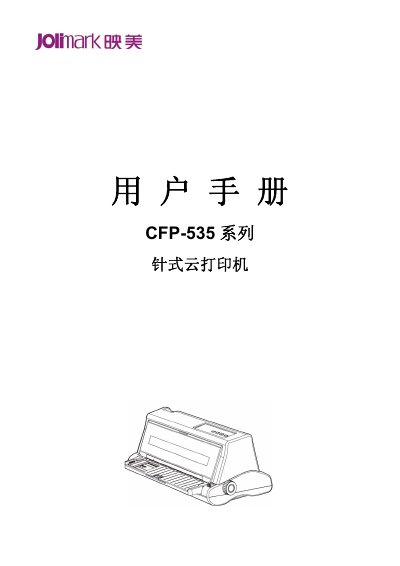
This user manual covers the Jolimark CFP-535 series dot matrix cloud printer, an impact printer with a 208 mm print width that supports single-sheet, continuous, and 1+6 multipart paper. It can operate without a computer or driver installation after network configuration.
The document includes safety instructions, unpacking and installation, paper loading, control panel operation, network configuration, printer settings, maintenance, error information, and technical specifications. This manual is written in Chinese.
| Print width | 208 mm |
|---|---|
| Emulation compatibility | OKI 5530SC and Epson ESC/PK2 |
No. The printer can be used after network configuration without connecting to a computer or installing a driver.
It supports single-sheet paper, continuous paper, and 1+6 multipart paper.
The print width is 208 mm.