
This guide covers product overview, software installation (STEP7 Micro/WIN V4.0), driver setup for the programming cable, and troubleshooting for 64-bit…
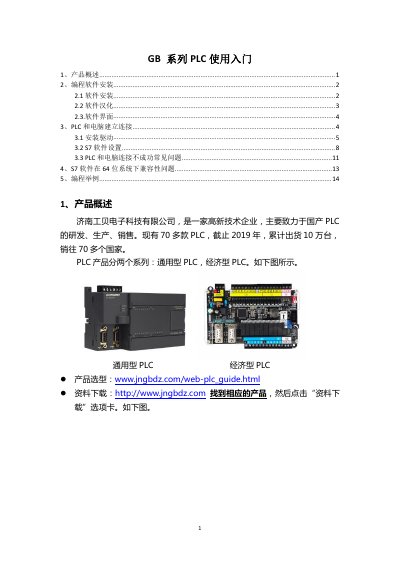
This manual serves as an introductory guide for the Jingbei Electronics GB Series PLCs. It provides a product overview, distinguishing between general-purpose and economic models, and directs users to download resources from the official website.
The document details the installation of the STEP7 Micro/WIN V4.0 SP9 programming software and how to configure it for Chinese language support. It explains the process of establishing a connection between the PLC and a computer via a programming cable, including driver installation and COM port configuration. This manual is written in Chinese.
All PLCs in this series use STEP7 Micro/WIN V4.0 SP9; STEP7 Micro/WIN SMART cannot be used.
The factory default settings are an address of 2 and a baud rate of 9600.
Compatibility is not guaranteed; it works on WIN10 64-bit about 60% of the time and WIN7 64-bit about 80% of the time.