
User manual for Jieyang Guangdian LE-T10/LE-T20P/LE-T30/LE-T40 optical engines: safety instructions, installation and cabling, filter replacement and…
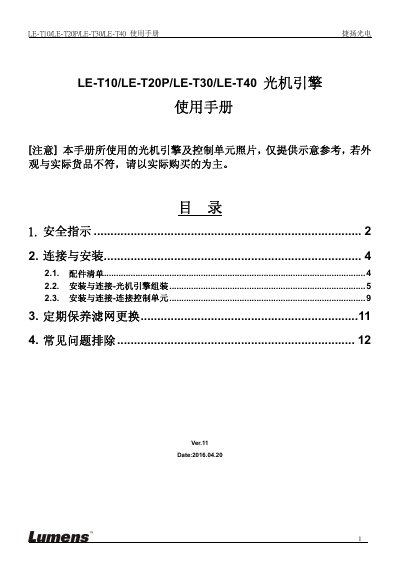
This is the user manual (Ver.11, dated 2016.04.20) for the Jieyang Guangdian LE-T10/LE-T20P/LE-T30/LE-T40 optical engine. It begins with safety instructions covering operation, installation, storage and cleaning, including warnings about the 100V~240V power requirement, a Class 2 laser notice and an EN55022 Class A statement. A packing list then names the supplied items: optical module, power module, light source module, AC power cord, spare fuse, 15Pin D-Sub cable, 25-to-25Pin D-Sub cable, silver and black M3 screws, and an aviation connector to CU cable.
The installation sections describe assembling the optical engine, connecting the cables and the lighting line, routing the driver cable and removing the lens cover, followed by how to connect the engine to a control unit (CU103/CU403, CU003 and CU106W cases) and the case fan connector pin definitions. The manual ends with periodic filter replacement and troubleshooting for the engine failing to light or the picture suddenly disappearing. This manual is written in Chinese.
| Laser classification | Class 2 Laser Product |
|---|
The product is limited to 100V~240V; using too low a power source may prevent it from turning on.
The 15Pin D-Sub cable must be rotated one turn.
Projection will not be possible.
Use the original DVI cable supplied with the product.